Designing BP’s Internal Self-Service Cloud Database Platform
A new platform to enable engineers, product owners, and account managers to create, manage, and monitor cloud databases, replacing a legacy, support-heavy system with a scalable, autonomous solution focused on visibility, control, and cost-efficiency.
Problem
A legacy, support-heavy system costing millions in operational inefficiencies needed a complete redesign and build.
The challenge
Simplifying a complex infrastructure landscape for both technical and non-technical users across a vast enterprise.
My role
I was brought in as Lead Product Designer and sole individual contributor, owning both the product vision and execution, tasked with delivering the new self-service platform, while also helping shift culture, process, and mindset along the way.
What I delivered
A fully responsive SaaS web application for desktop and mobile
A custom-built design system, tailored to the needs of a broad range of users, from infrastructure and cloud users, to account managers
UX and UI design for a content management system to support internal tooling and governance
A phased launch strategy to support user adoption and transition from legacy systems
A strategy for capturing analytics and enabling continuous product improvement
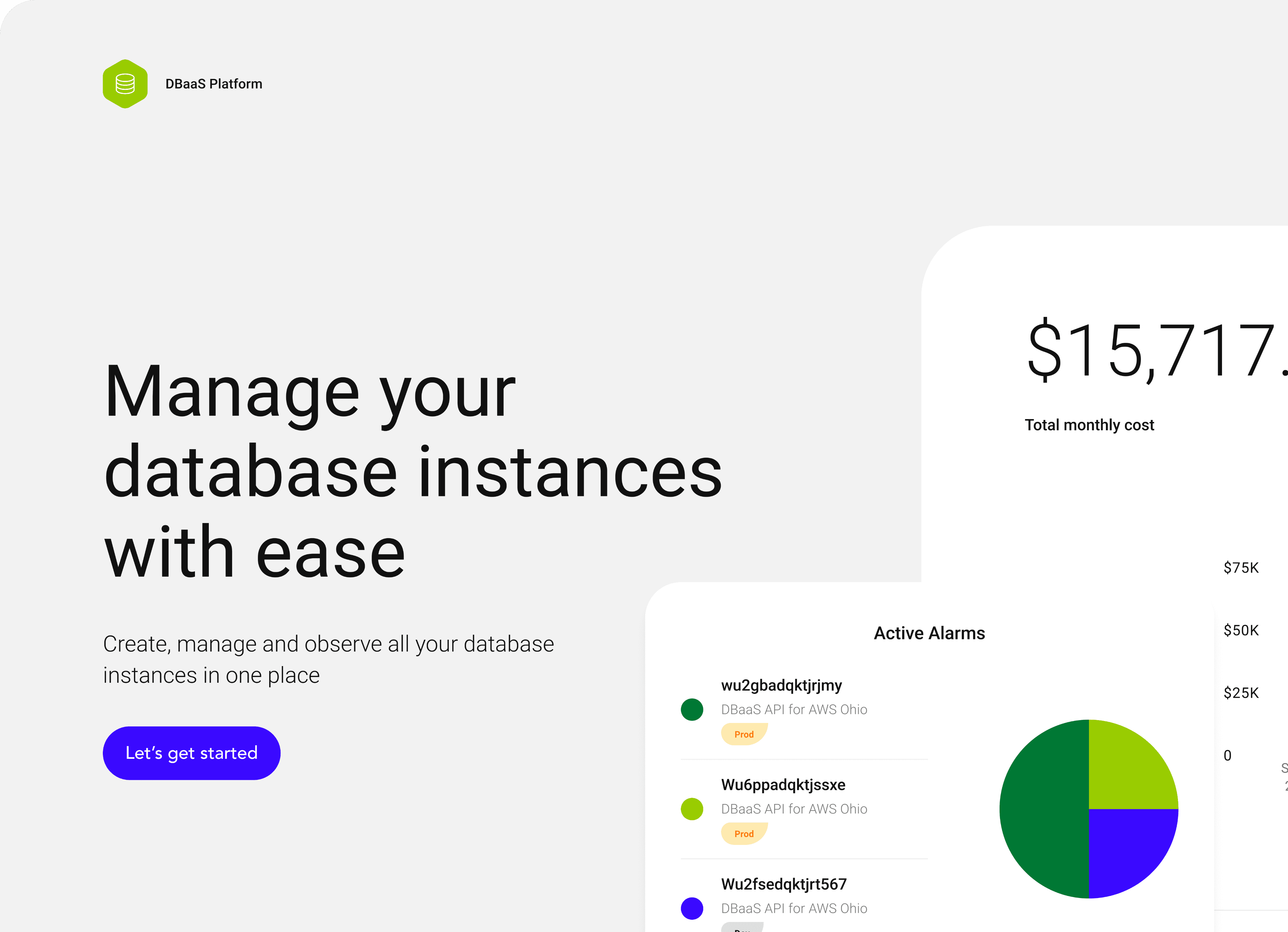
A marketing landing page designed to communicate product value and onboard potential customers
Impact
Background
My approach
Key insights
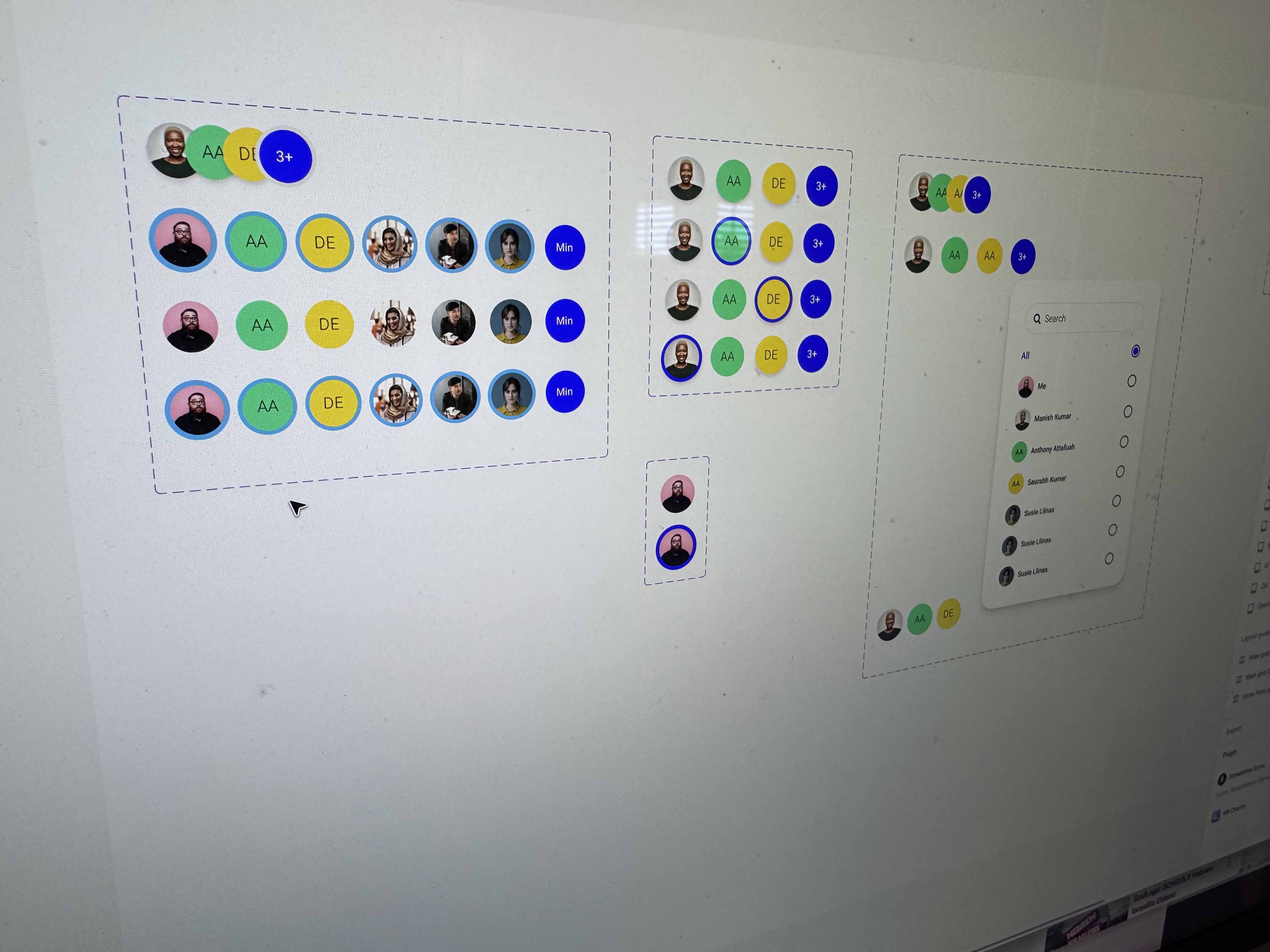
Design system
Shifting culture
Using AI
Outcome: SaaS web application
Redesigned the platform from the ground up, to create a clean, intuitive, and role-aware design that supports a wide range of users, from engineers to product and account owners.

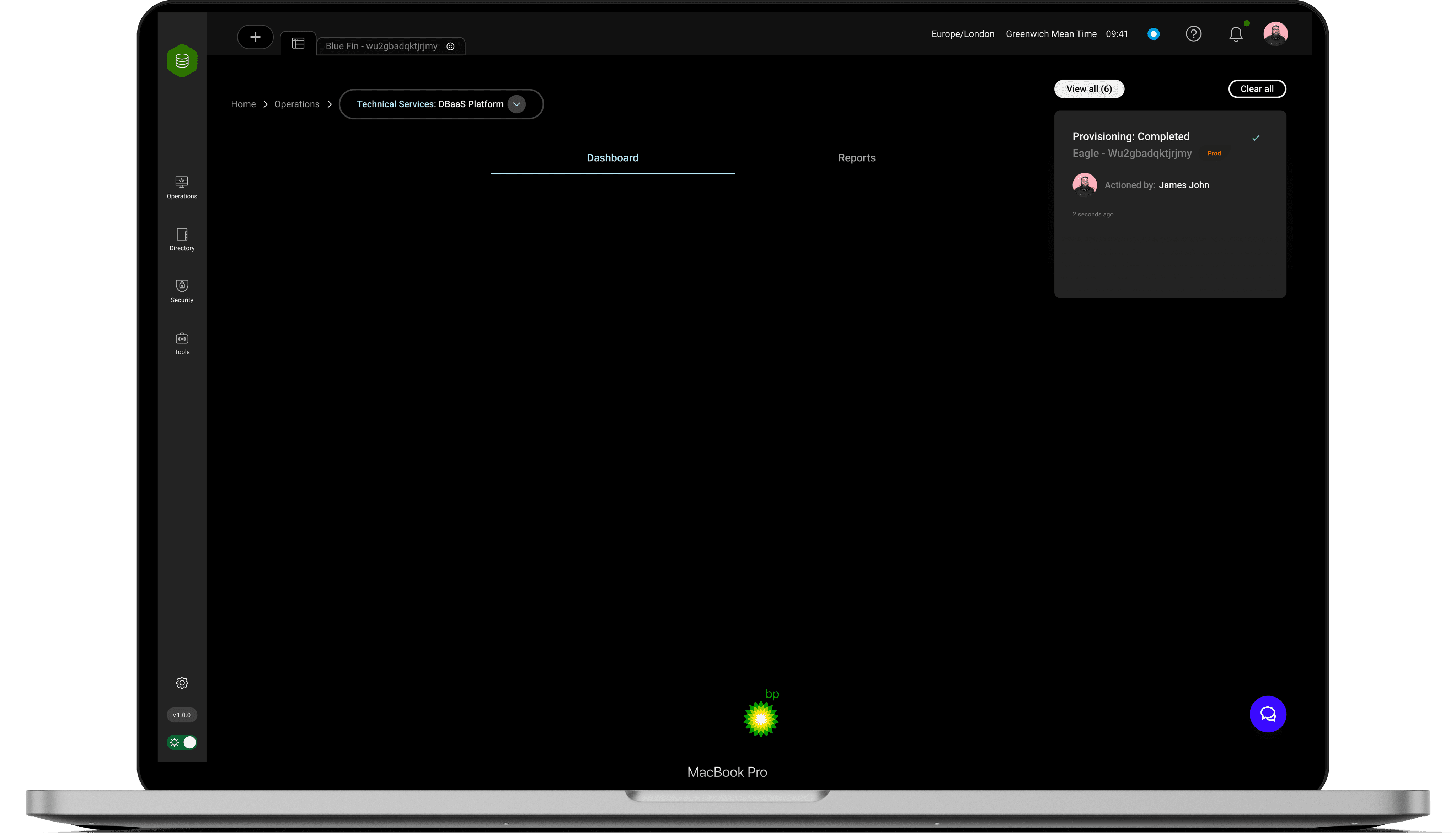
Fast to navigate, especially for frequent or critical tasks
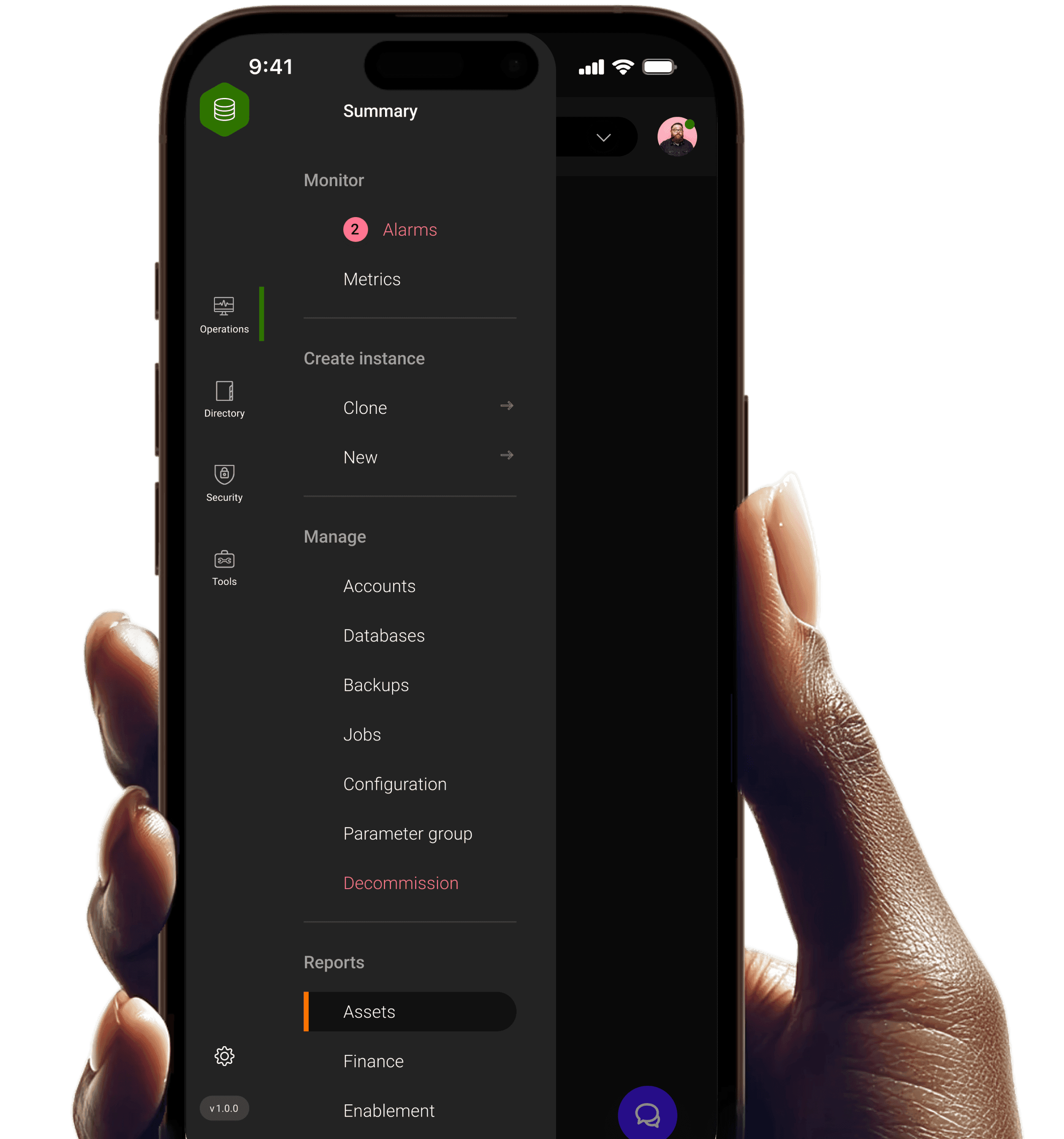
Mobile ready
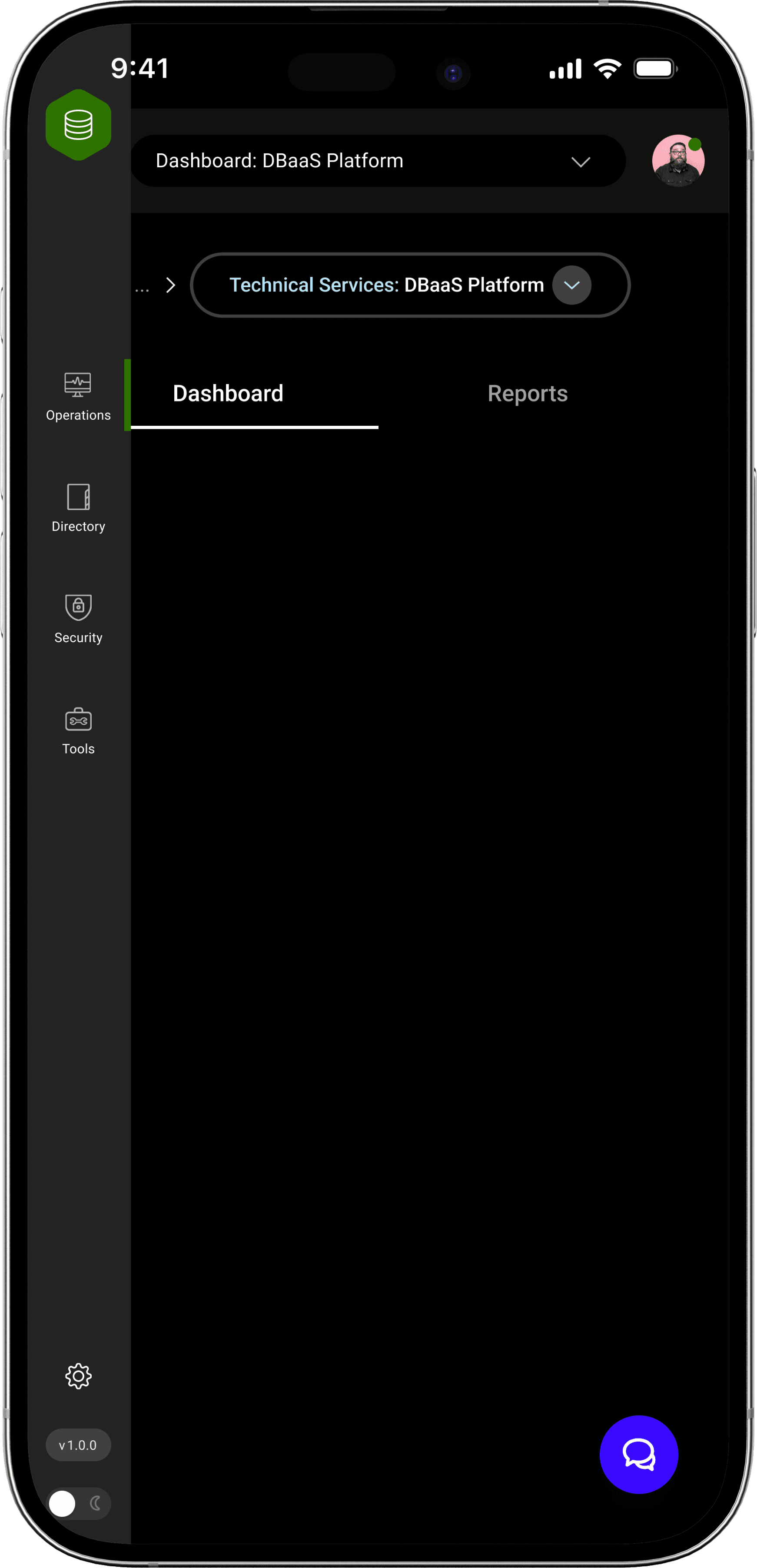
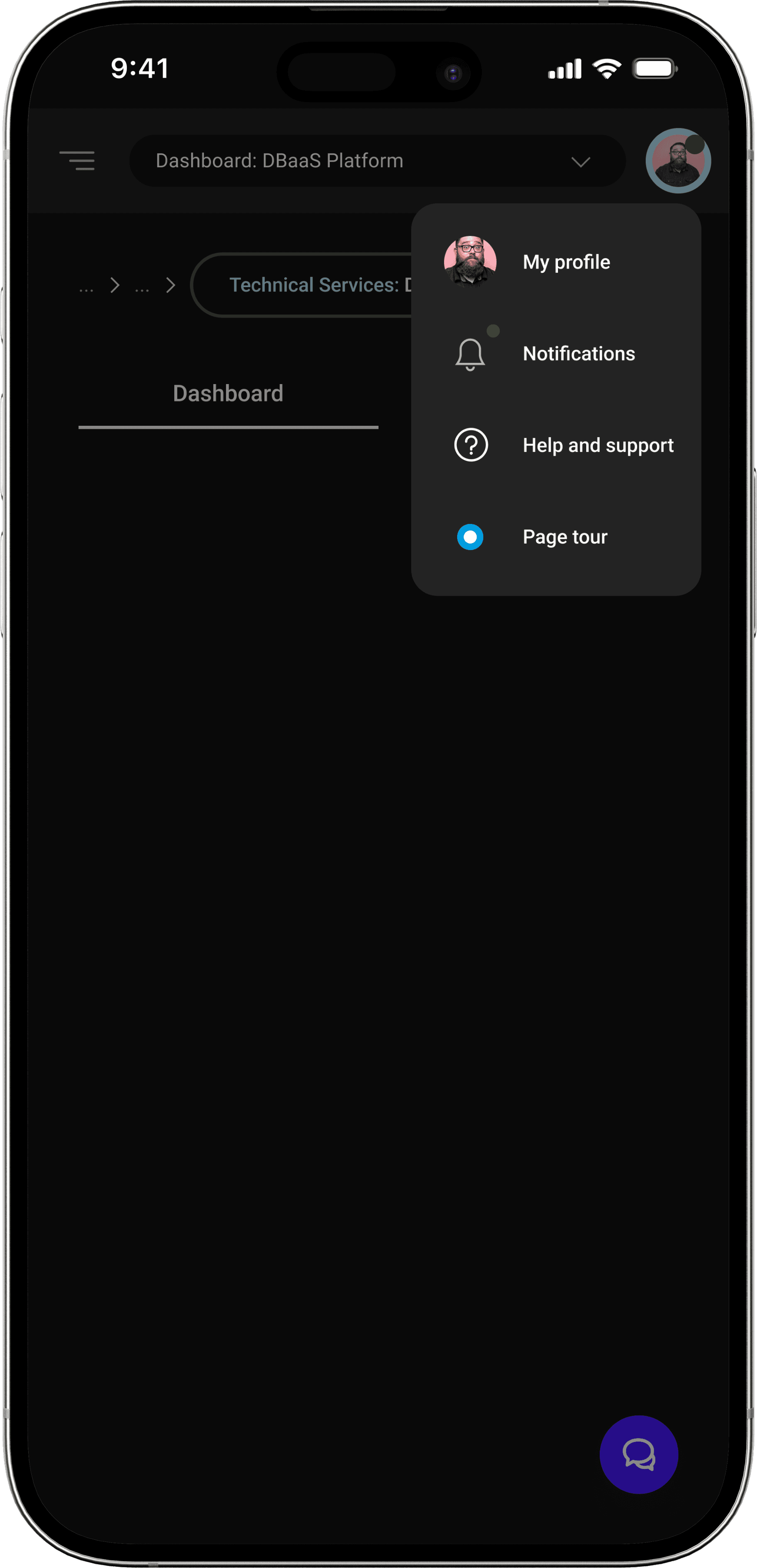
Redesigned IA around key user tasks, rather than database life cycle, following research and a deeper understanding of user mental models.
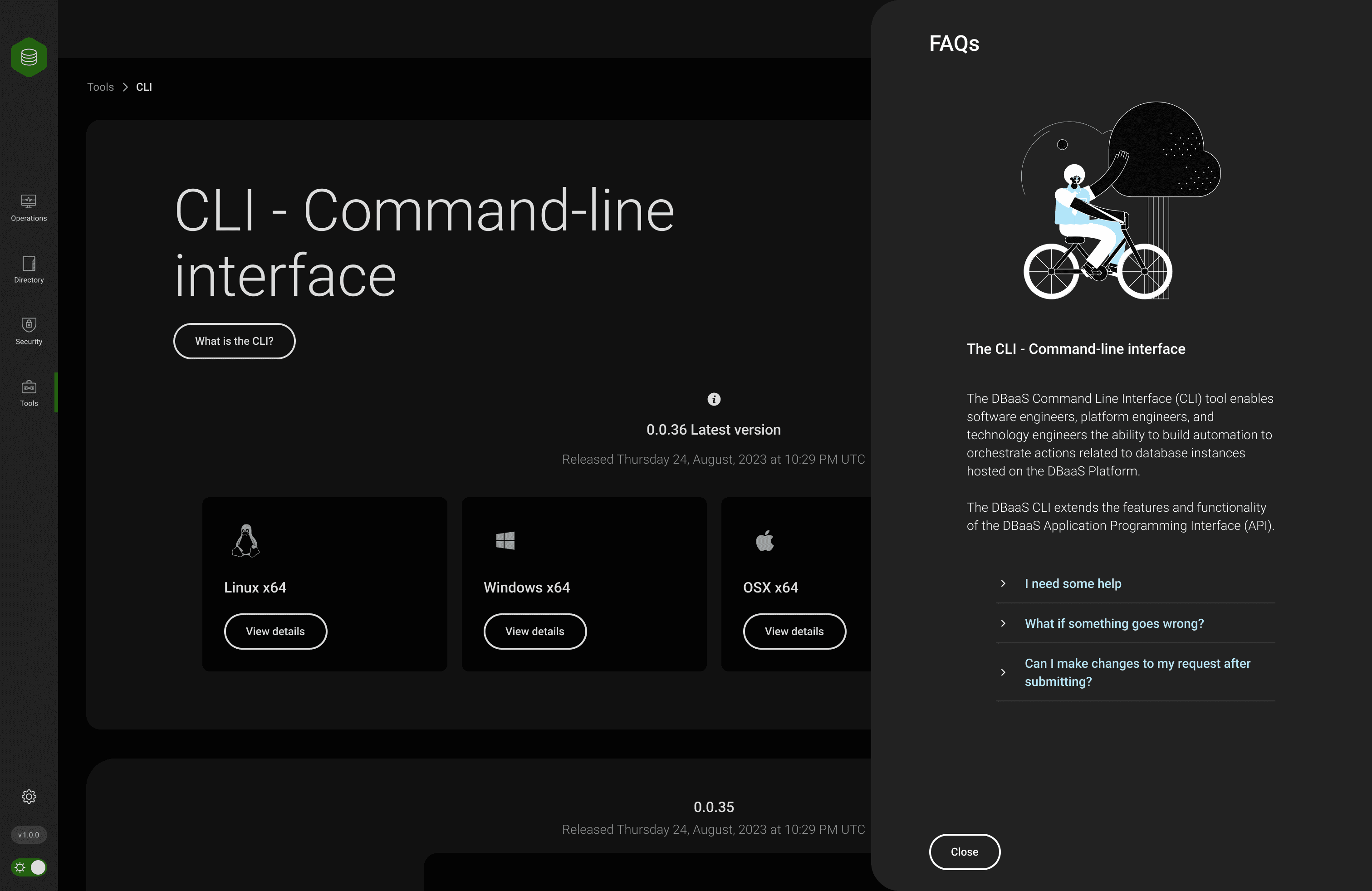
The design also provides users with multiple layers of support and assistance:
Contextual FAQs embedded within relevant pages to help users find answers without breaking flow.
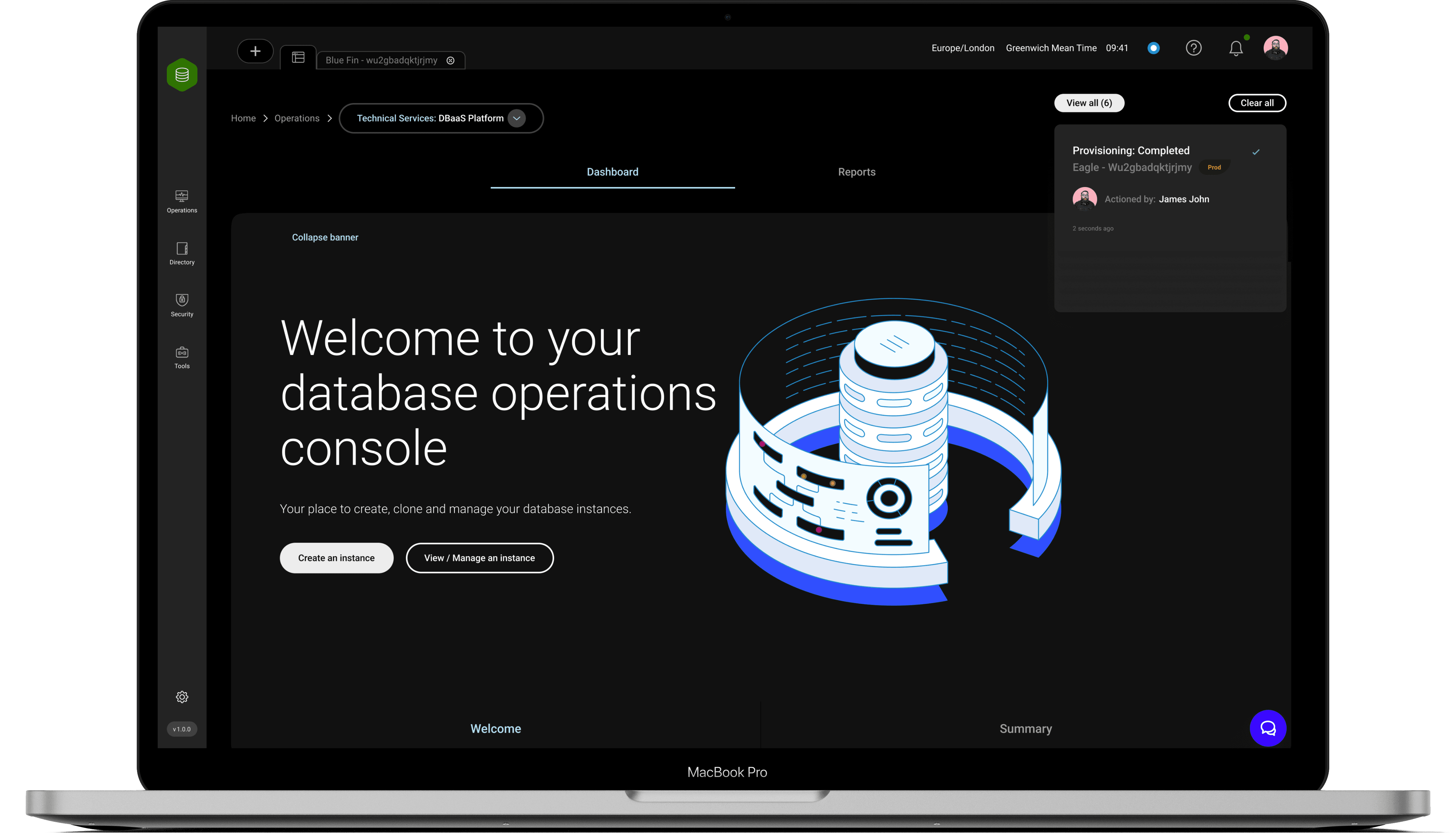
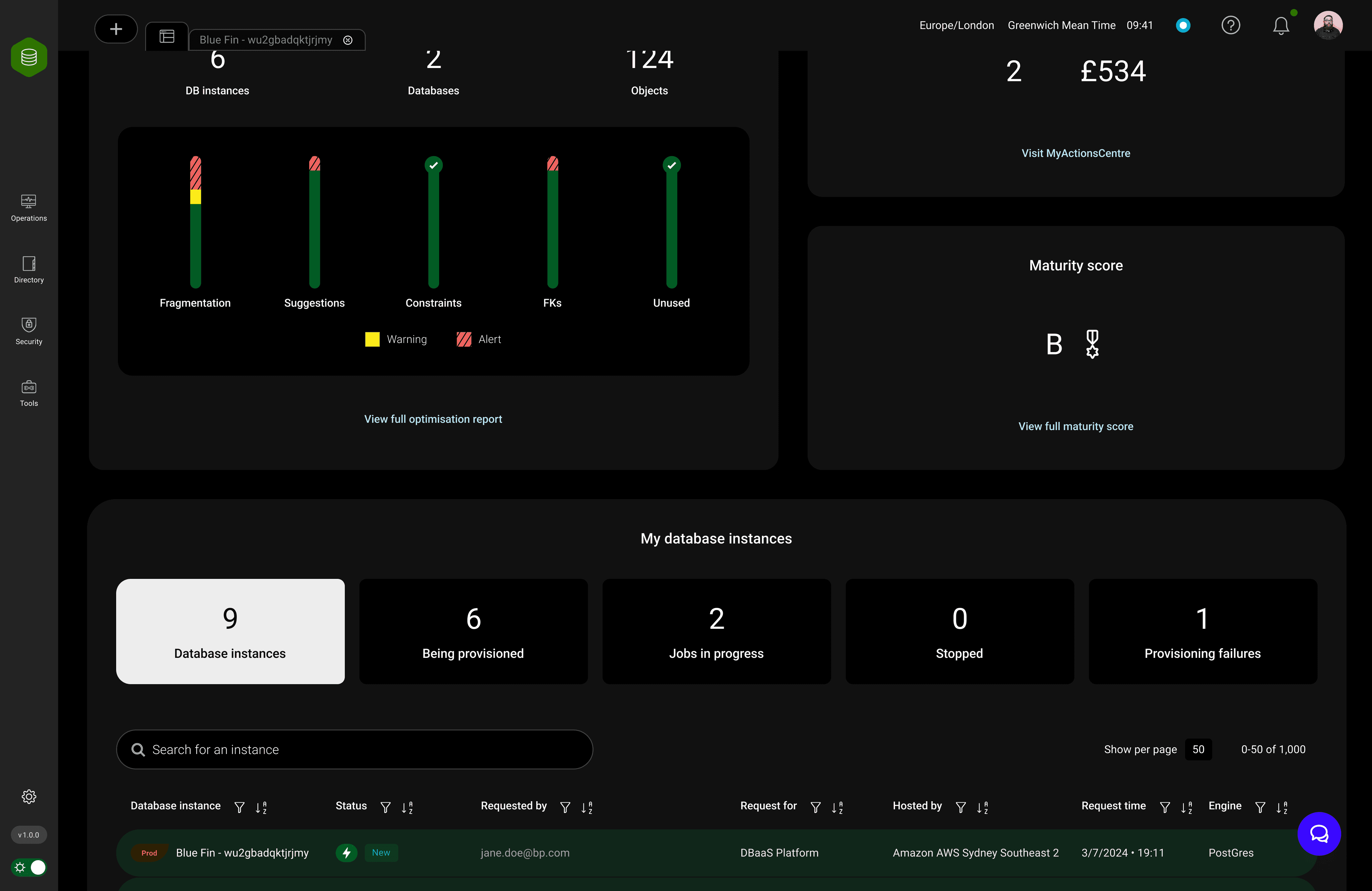
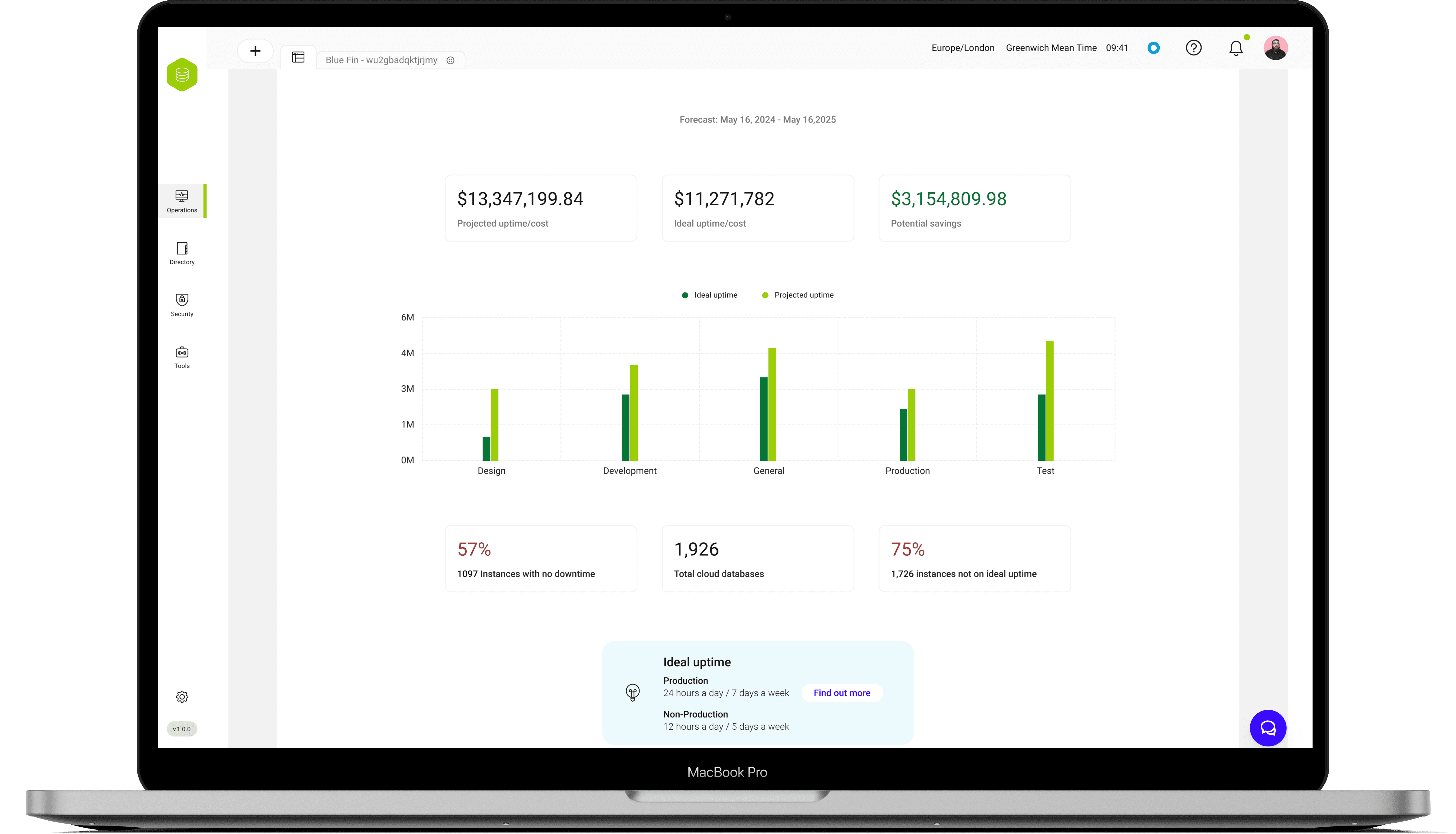
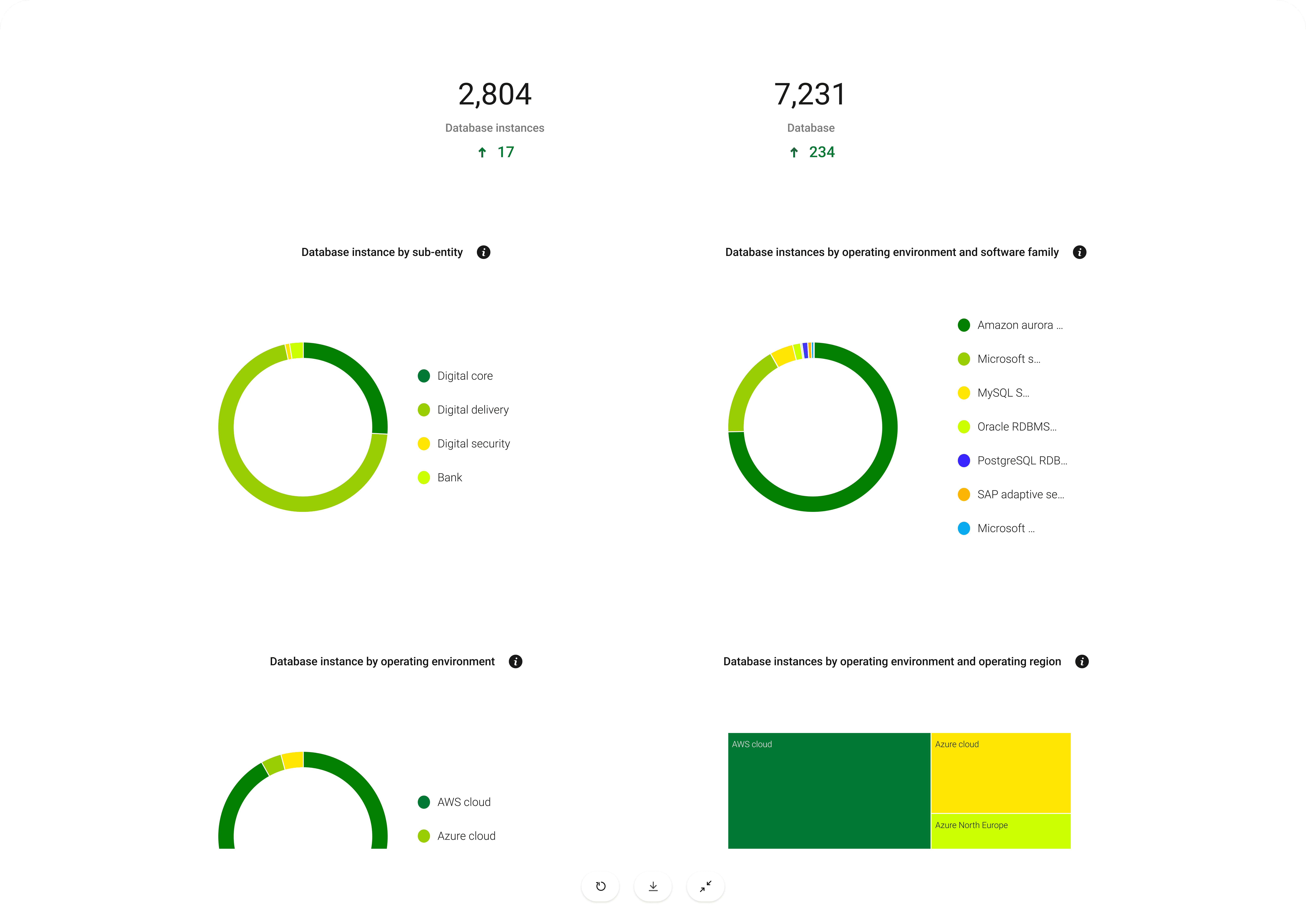
Dashboards: High level overview, with key insights, suggestions and actionable items:
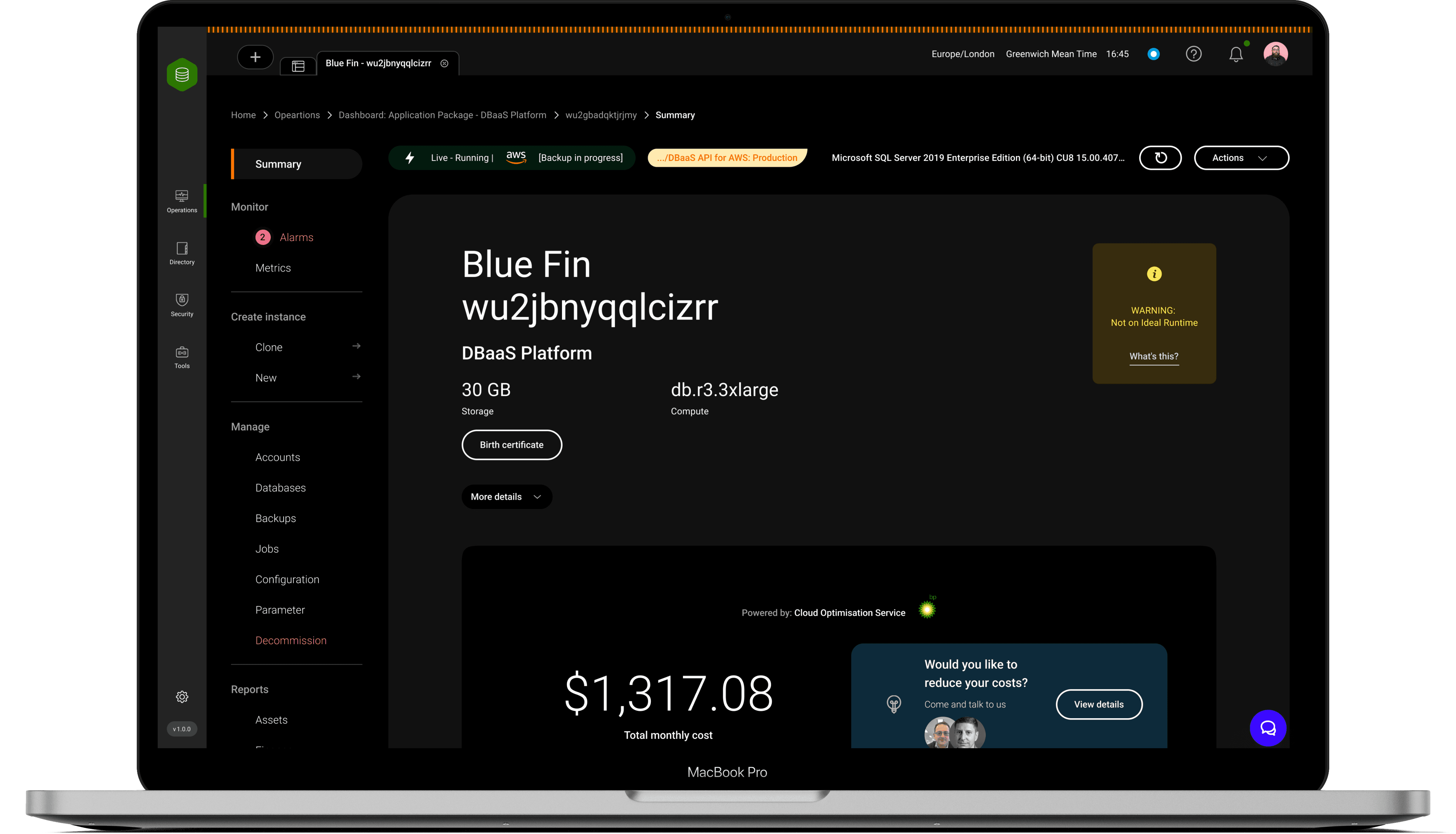
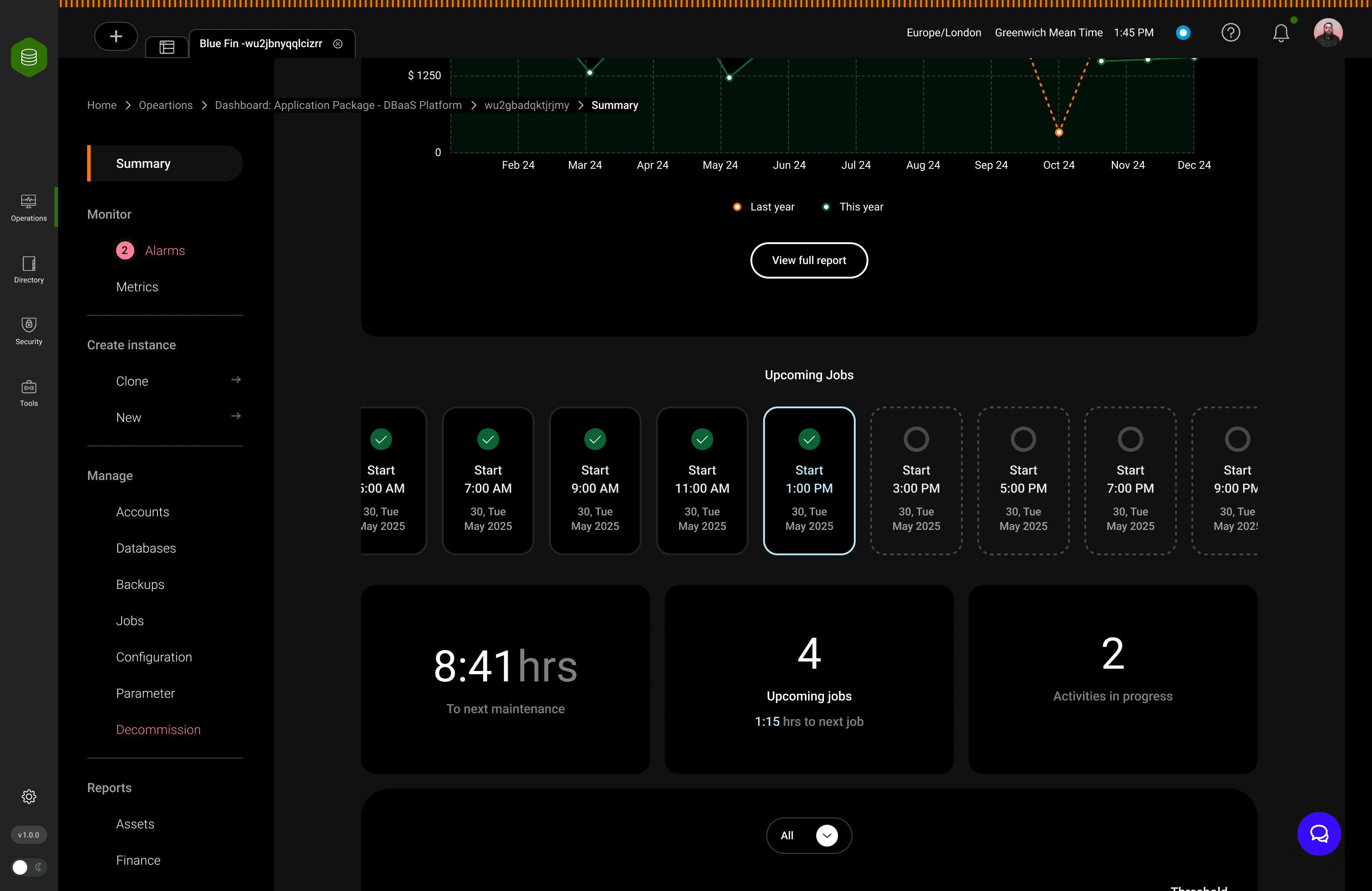
Instance-Level Dashboard:
Reports help non-technical users spot inefficiencies, savings, and gaps from best practices at a glance.
The layout was built to educate while informing, using progressive disclosure, plain-language labels, and contextual explanations to reduce the need for training or support.
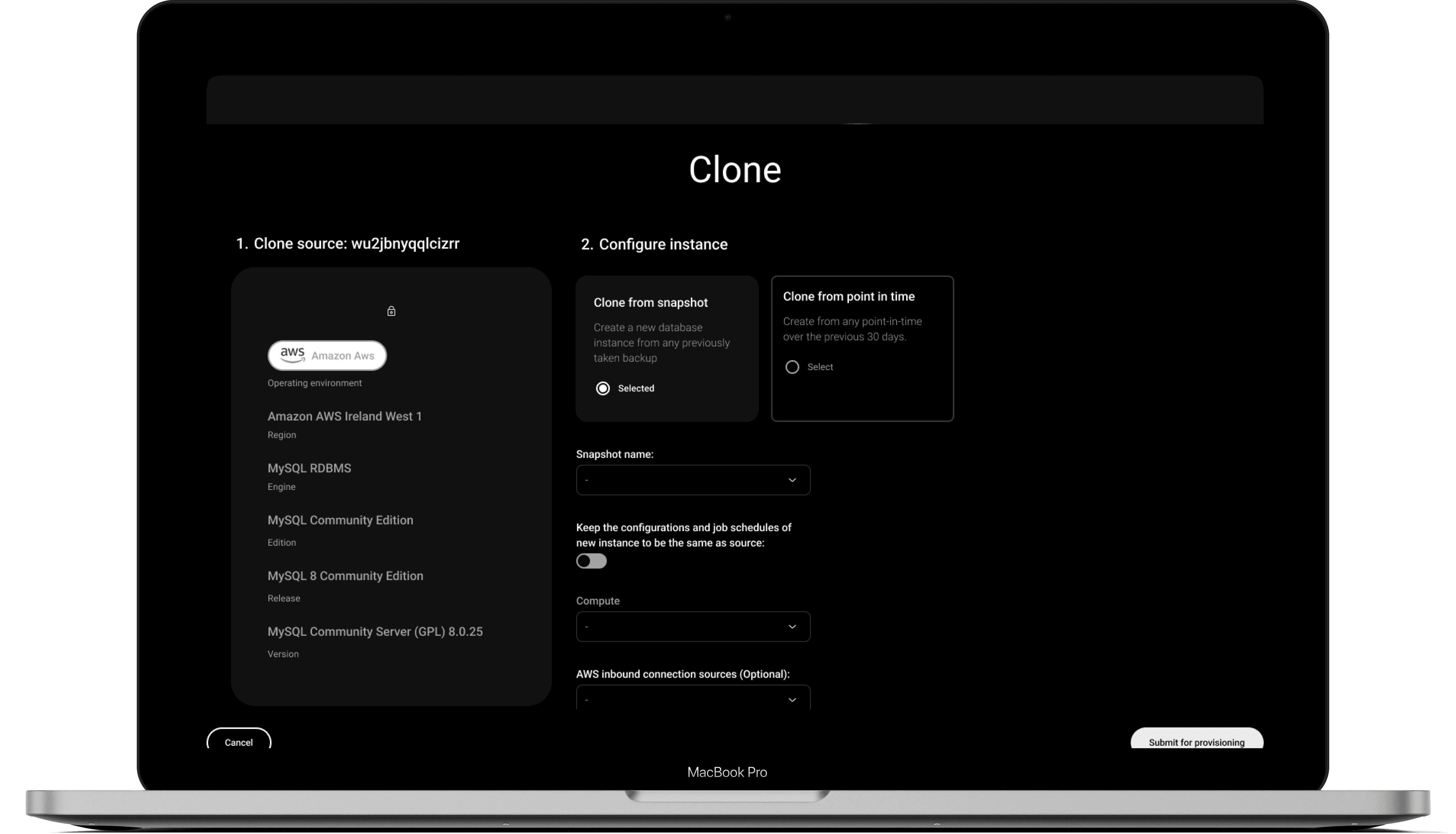
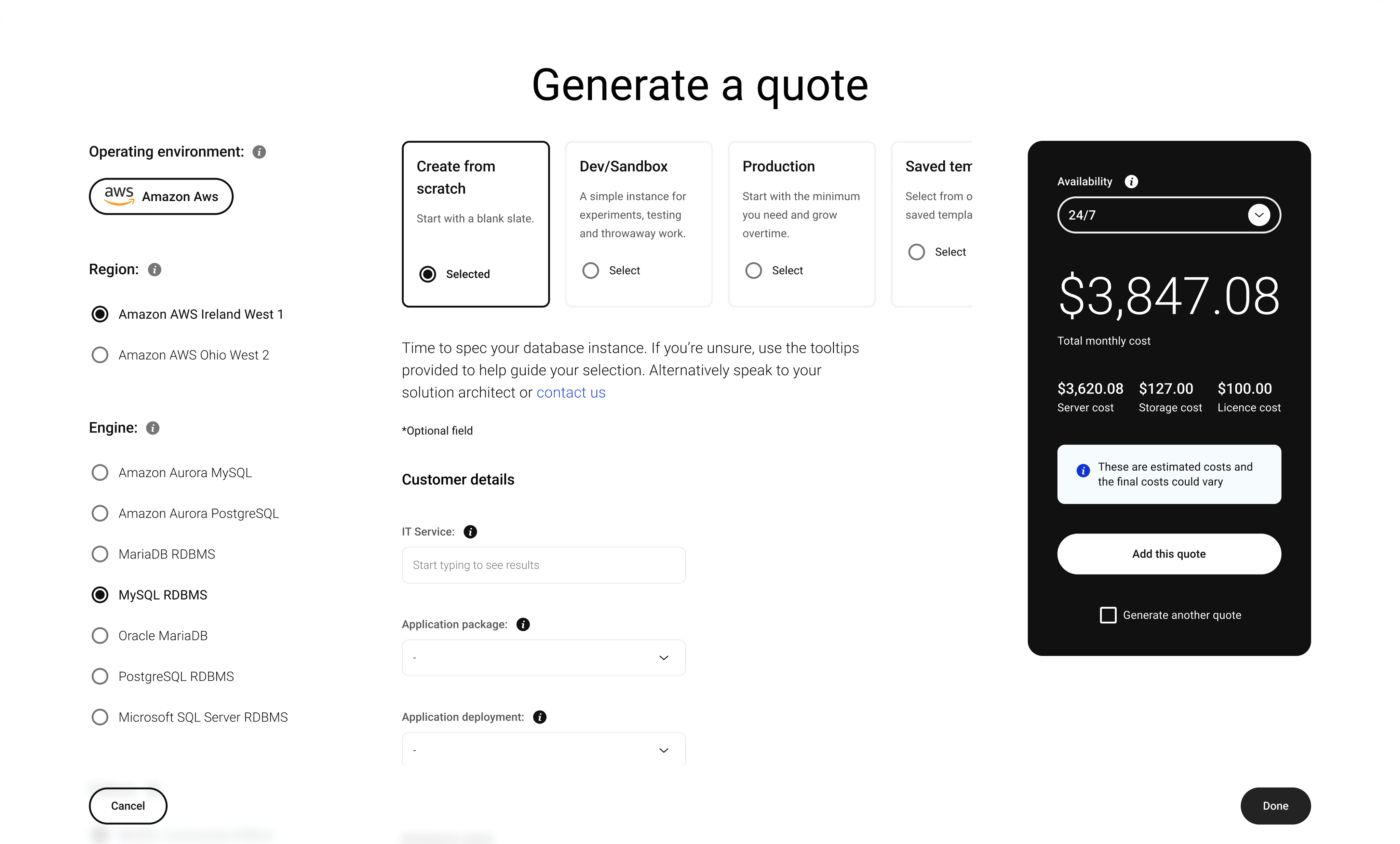
Provisioning made simple, intuitive, and effortless.
Transformed a complex AWS configuration process into a user-friendly, guided form that simplifies instance creation for both engineers and non-technical users.
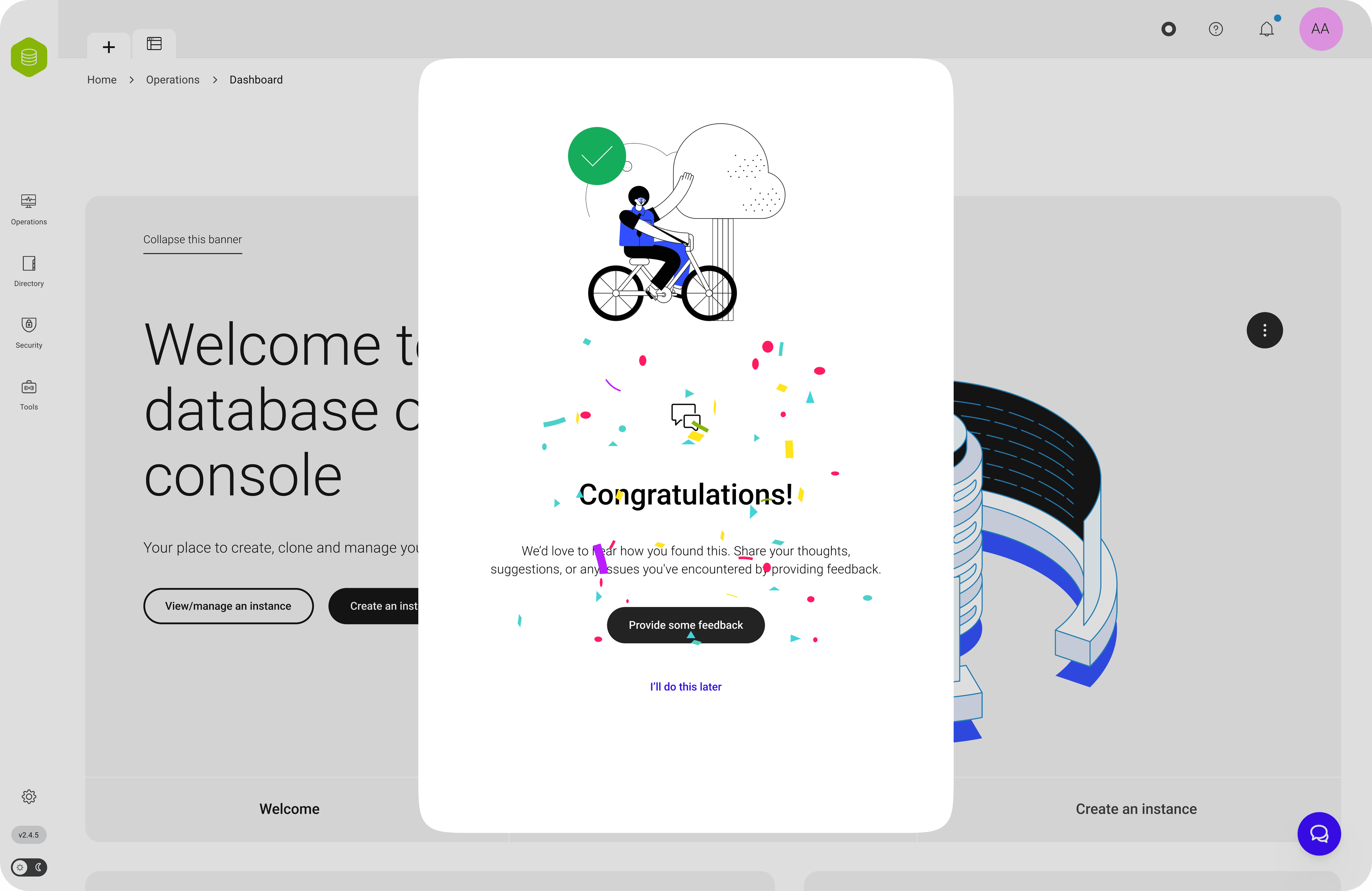
Celebrating key actions with subtle, delightful feedback moments.
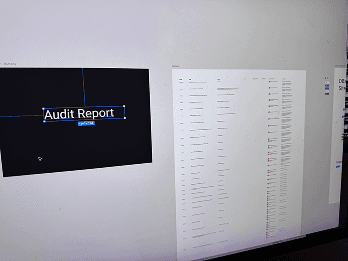
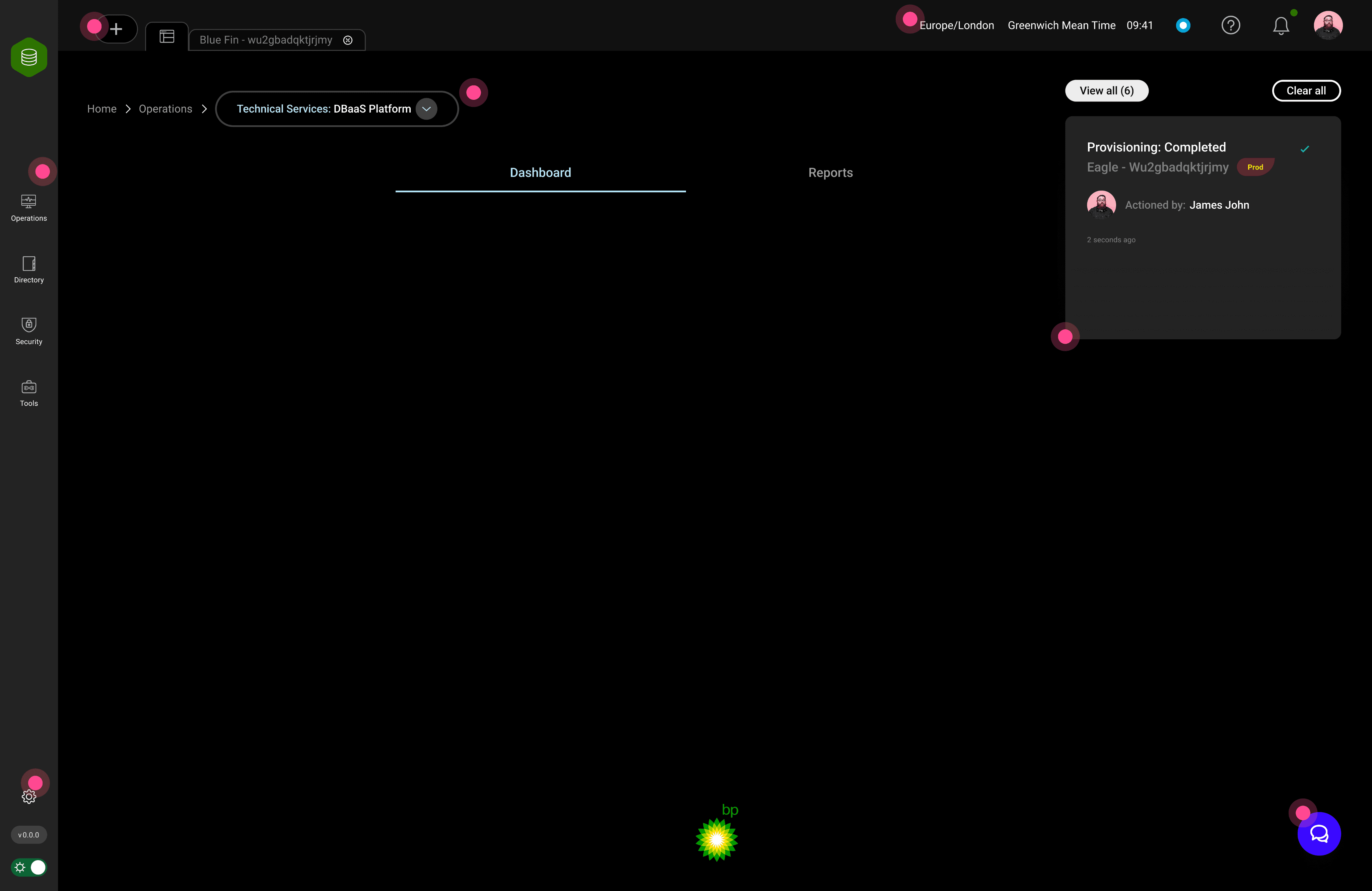
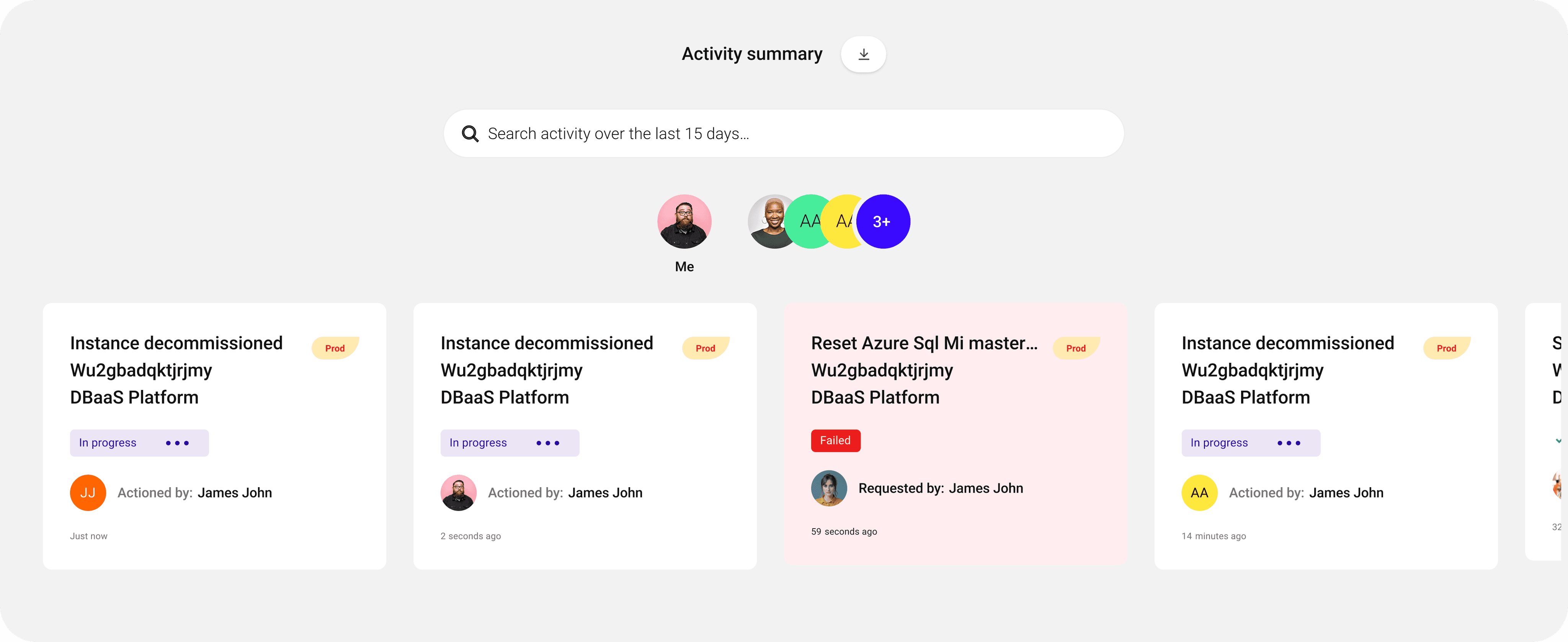
Activity: simple clear cards for managers and auditors
These cards surface real-time actions across users and environments, making it easy to monitor progress, identify failures, and audit events, without digging through logs or system
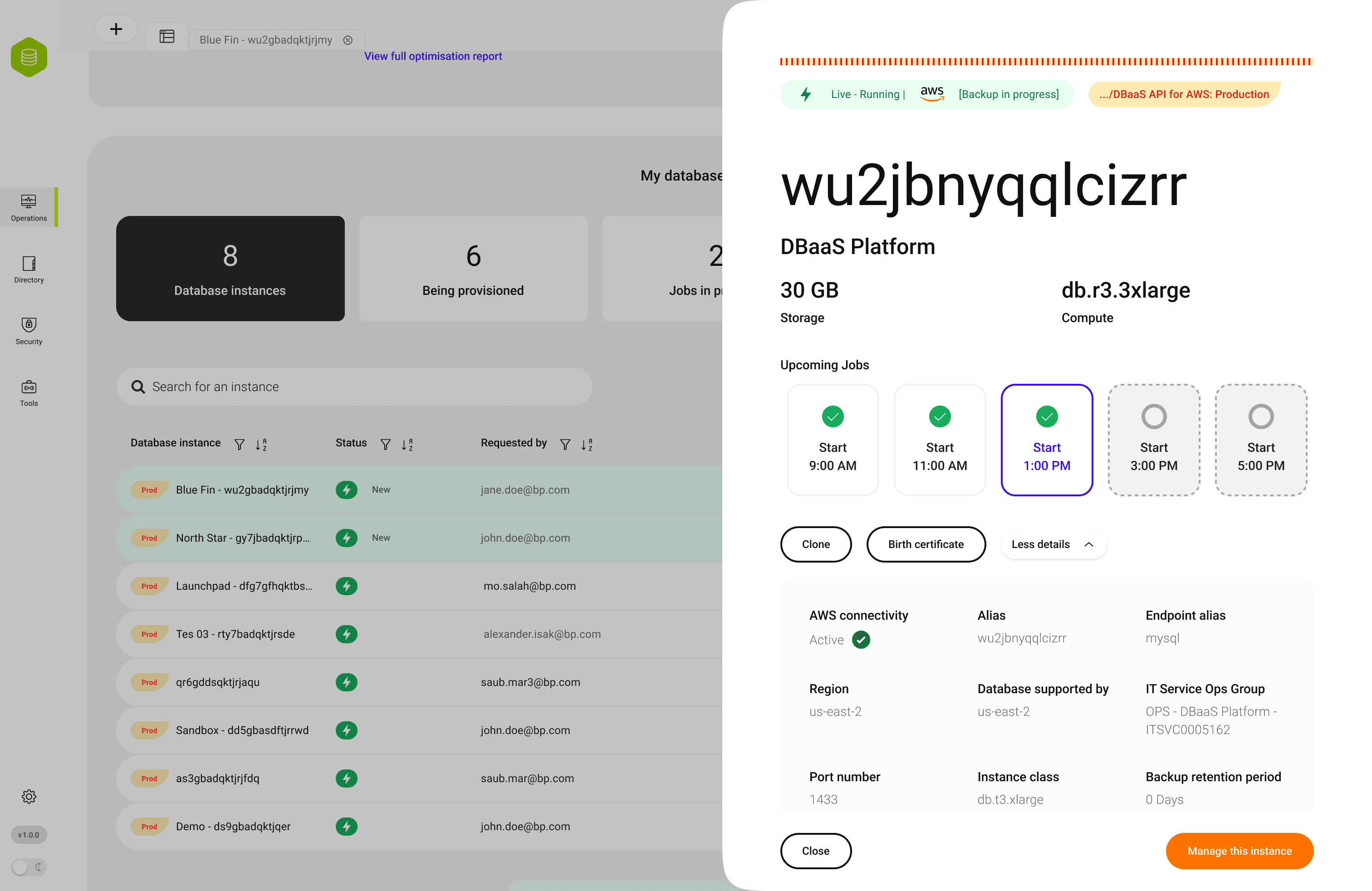
Drawers - Contextual Detail Without Navigation Loss
Drawers keep users in flow, showing detail or actions without leaving the page, ideal for fast, focused work in complex systems.